Correct the product or tax class on a completed sale
Fix how a sold line is grouped in reports — its tax class or category — without touching the money, on the receipt's detail page.
A step-by-step walkthrough with real screenshots · FoolProof POS for alcohol retail
1. Open the sale and find the line
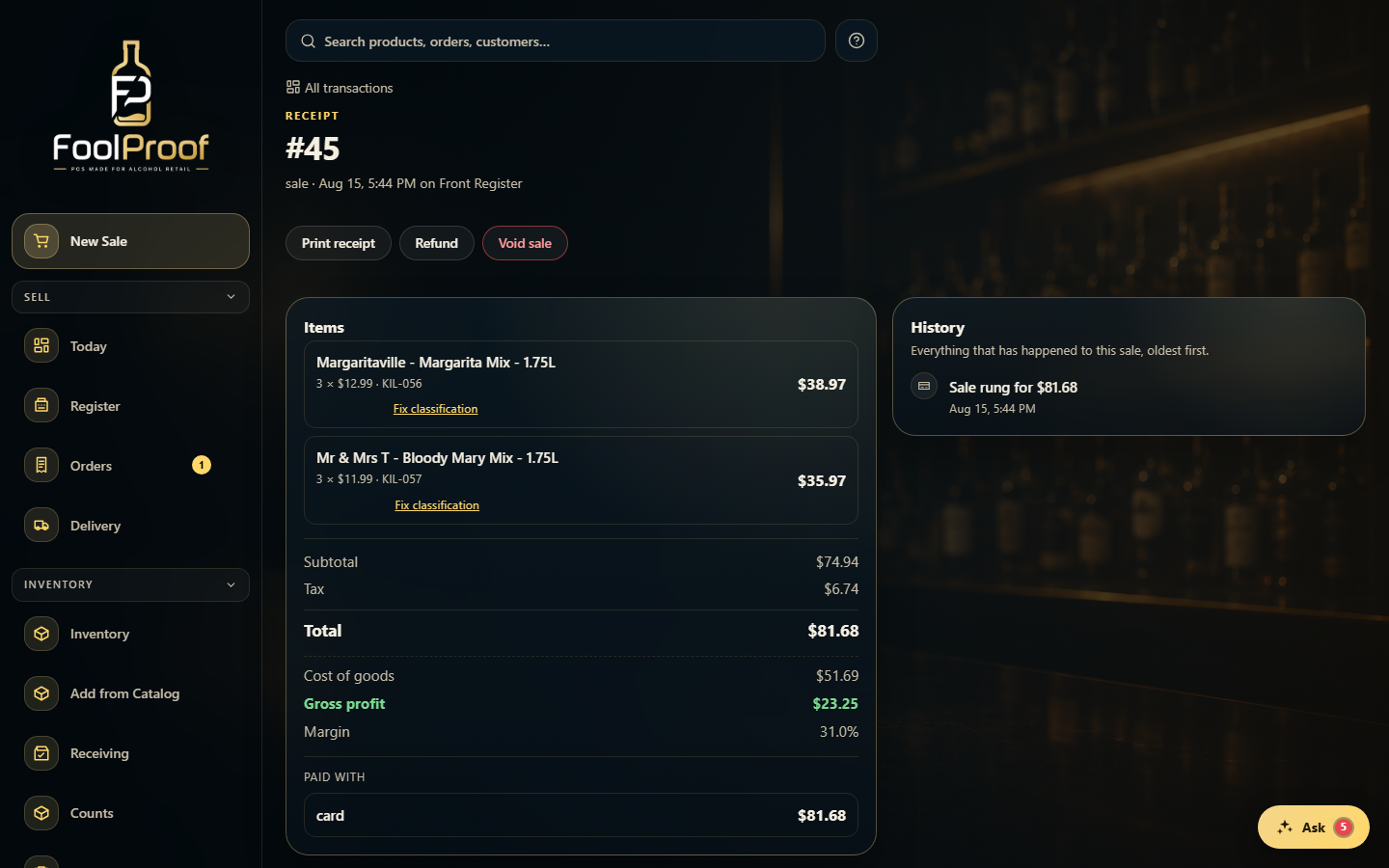
Open the receipt from Transactions. Under each item is a Fix classification link — this never touches the money, only how the line is grouped in your reports.
1
1Each line has its own Fix classification link.
2. Correct the classification
Set the right tax class or category, add an optional reason, and Save correction. The line gets a 'corrected' tag; the quantity, price, and tax the customer paid don't change.
12
1Set the correct Tax class and/or Category for the line.
2Only the reporting group changes — the money paid stays the same. Then Save correction.
 1
1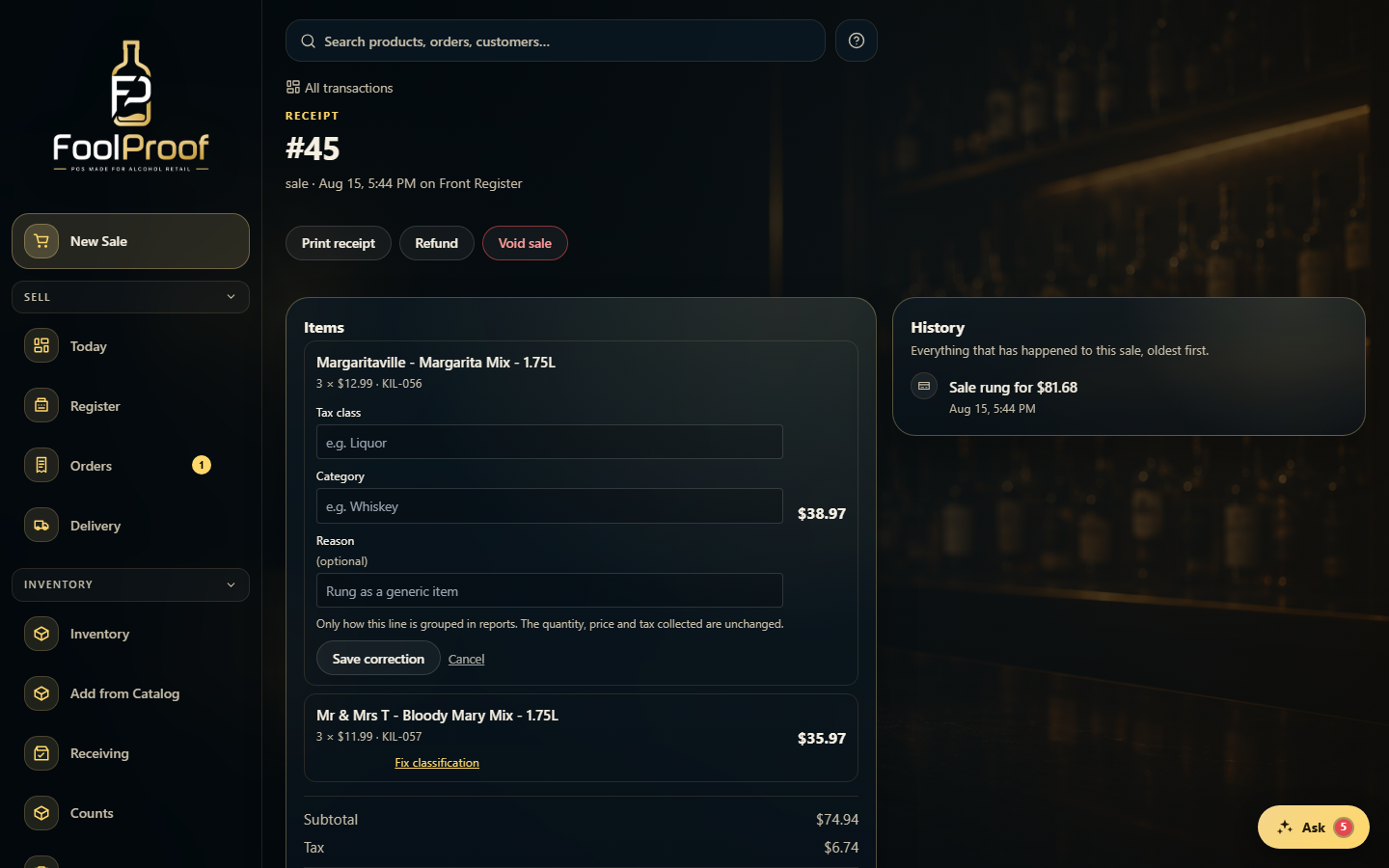 12
12