The Customers page lists your store's customers — search by name, phone, or date, and filter by whether they have a phone or birthday on file.
A step-by-step walkthrough with real screenshots · FoolProof POS for alcohol retail
1. Who's on file
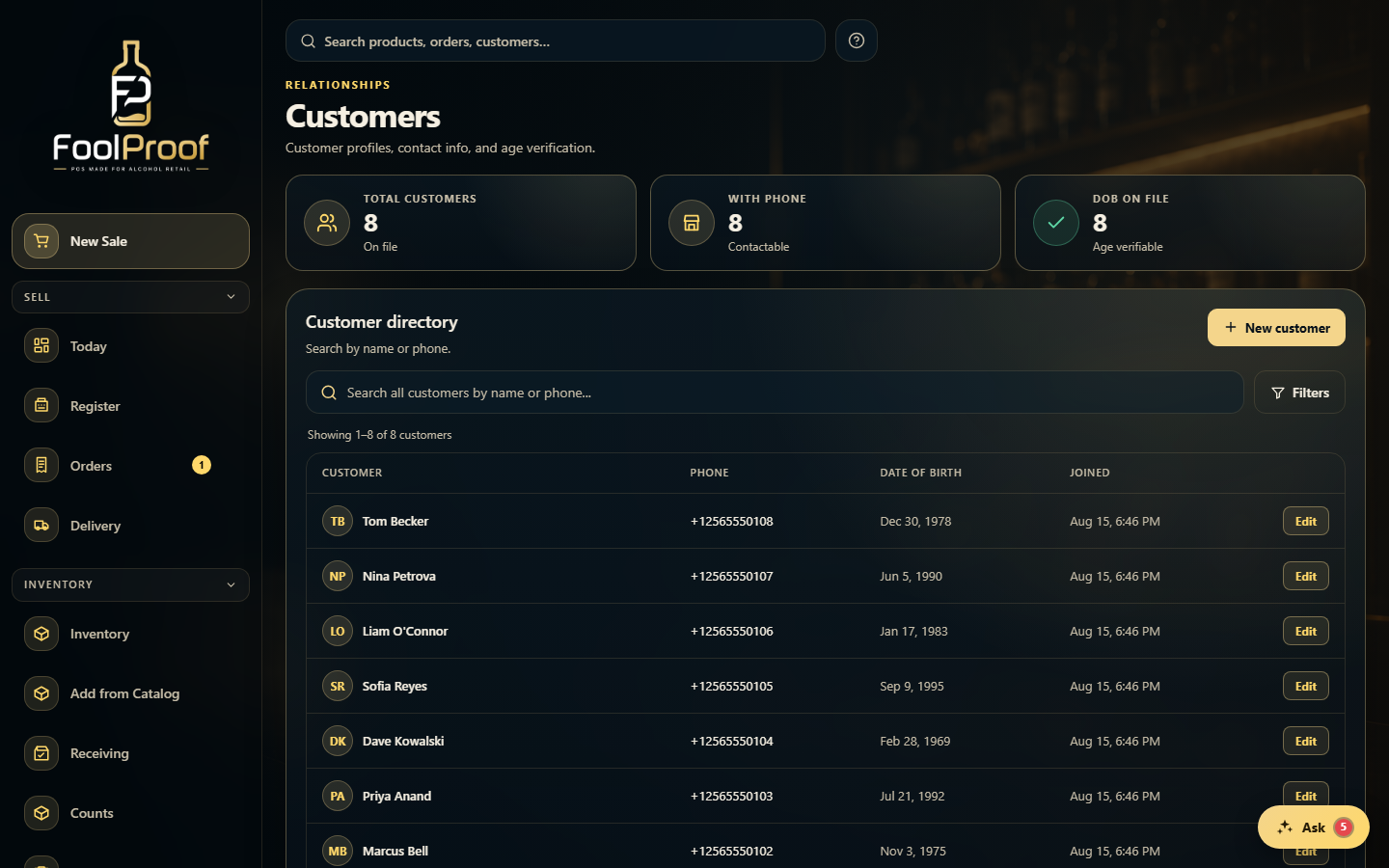
Customers lists your store's customers. The tiles up top show how many have a phone or a date of birth on file — the details you need for contact and age verification.
1
1How many customers have a phone or date of birth on file.
2. Find or add a customer
Search everyone by name or phone (server-side across the whole list), or add a new one. Filters narrows by has-phone, has-birthday, and signup date; click Edit on a row to update someone.
12
1Add a customer, or search by name or phone; Filters narrows the list.
2Every customer with phone, date of birth, and join date — Edit to update one.
 1
1