The Gift Cards page tracks activated cards, redemptions, and outstanding balance, and lets you sell, reload, or void a card.
A step-by-step walkthrough with real screenshots · FoolProof POS for alcohol retail
1. The balances at a glance
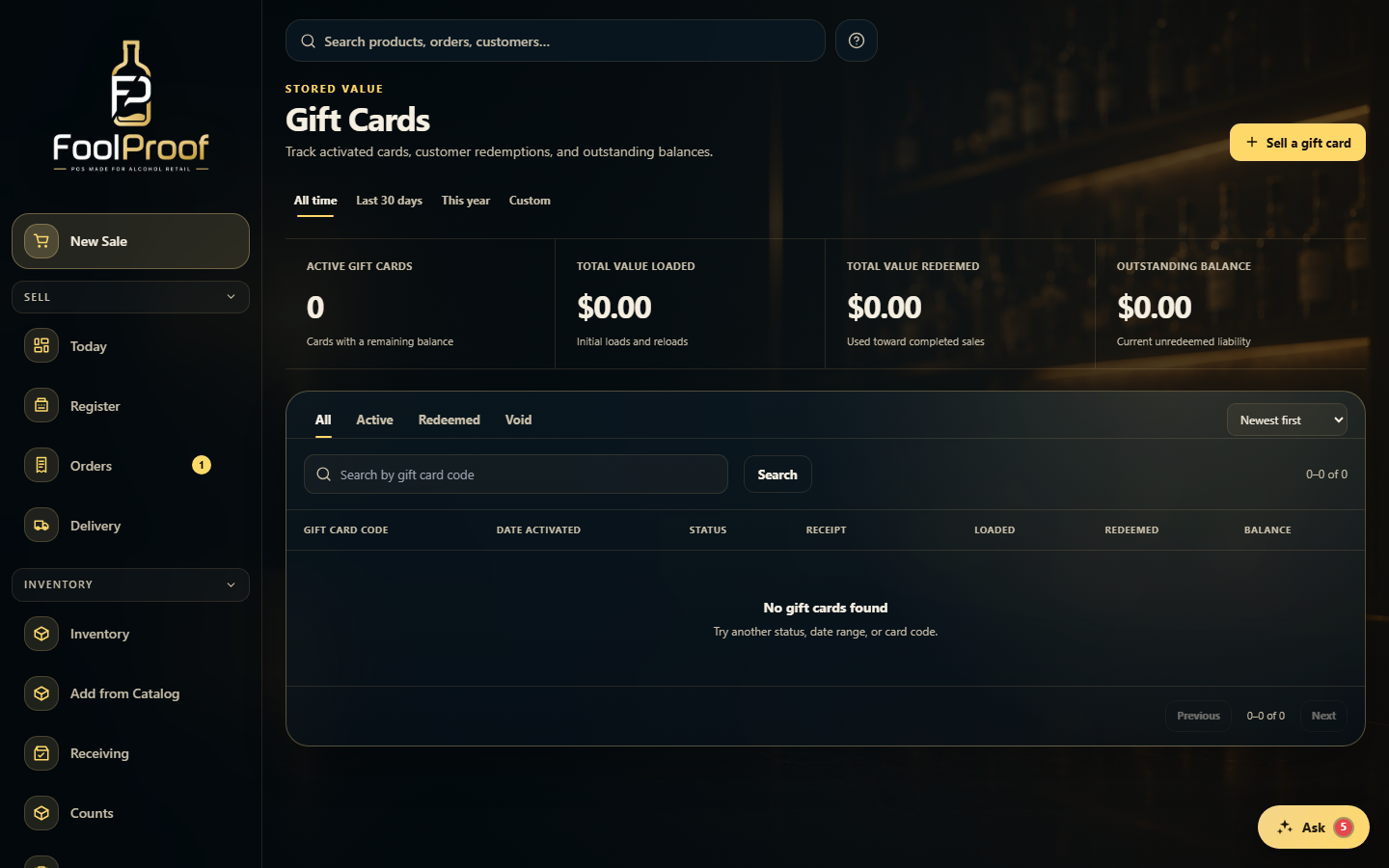
Gift Cards tracks your stored value. The summary tiles show active cards, value loaded, value redeemed, and the outstanding balance you still owe — for the chosen date range. Sell a gift card starts the sale on the New Sale screen.
12
1Sell a gift card starts the sale on New Sale.
2Active cards, value loaded, value redeemed, and the outstanding balance.
2. Find and manage a card
Search by card code and filter by All / Active / Redeemed / Void. Open a card to add value with Reload or to Void it; click a card's receipt number to jump to the sale that issued it.
1
1Search or filter cards, then open one to Reload or Void it.
 12
12