The Reports page has sales, margin, tax, and inventory reports you can filter by date and export.
A step-by-step walkthrough with real screenshots · FoolProof POS for alcohol retail
1. Explore or pick a report
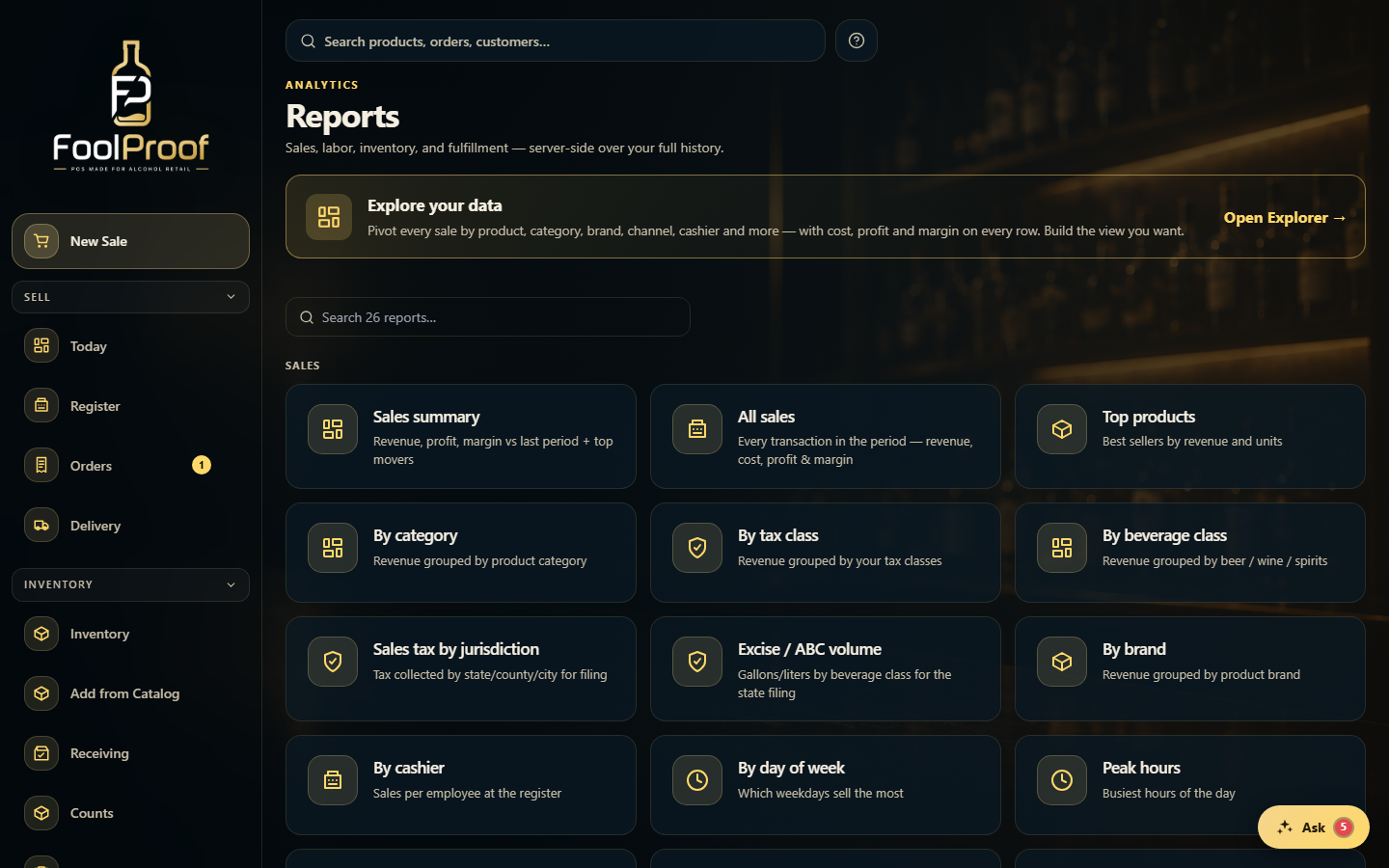
Reports covers sales, labor, inventory, and fulfillment — server-side over your full history. Open Explorer to pivot every sale by product, category, brand, channel, or cashier, or search the 26 built-in reports below.
12
1Open Explorer to pivot every sale by product, category, brand, channel, or cashier.
2Search the 26 built-in reports.
2. Run and export
Pick a report — sales summary, item margins, sales tax, excise, top products, and more. Set the date range and it recalculates for that window; export to PDF or CSV where offered for your accountant.
1
1Pick a report, set the date range, and export to PDF or CSV.
 12
12