The Counts page runs blind cycle/physical counts — scan or add items, then post the variance to your on-hand inventory.
A step-by-step walkthrough with real screenshots · FoolProof POS for alcohol retail
1. Start a count
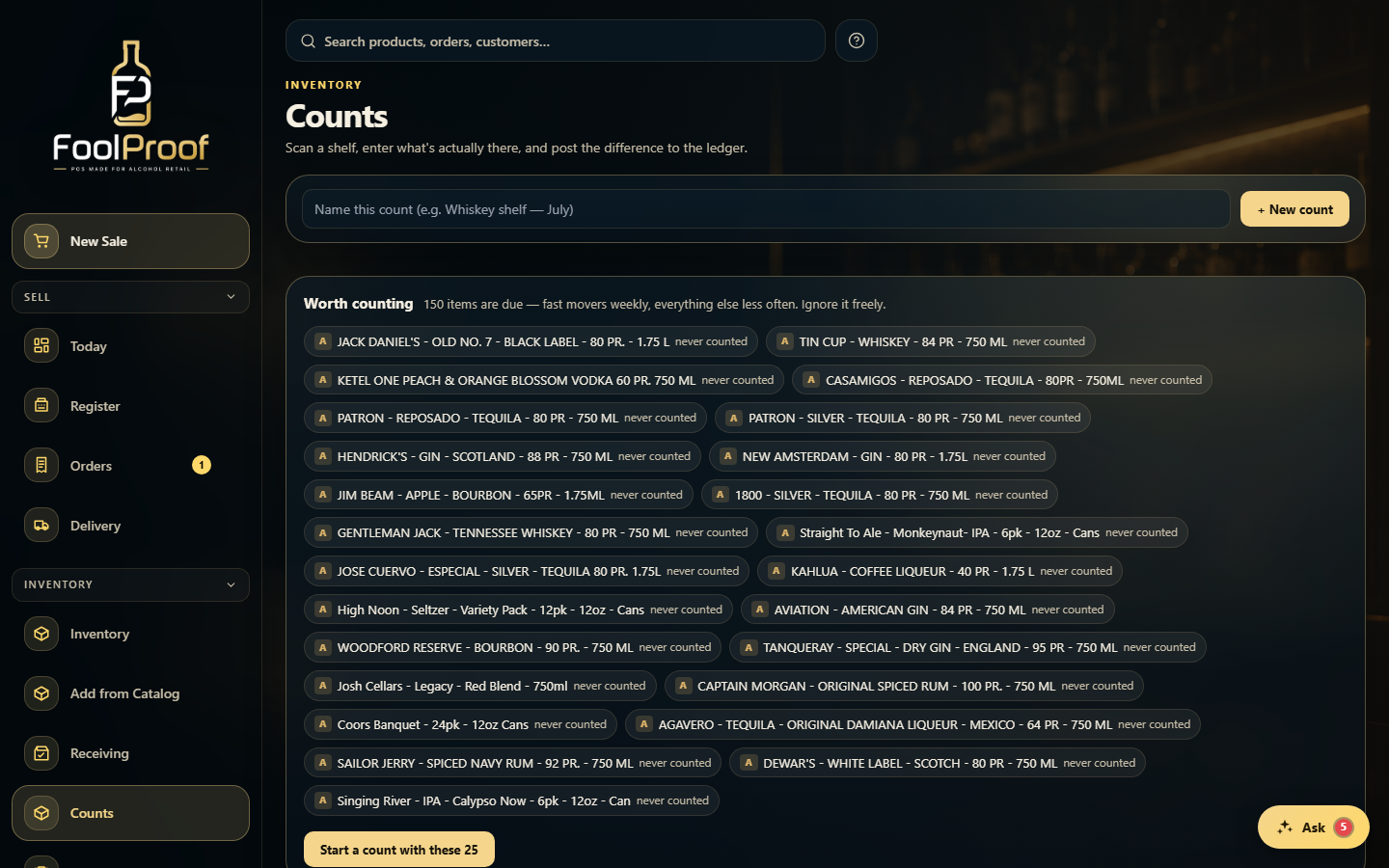
Open Counts and either start a suggested cycle count, or name a New count for a specific shelf. The 'worth counting' list shows what's due — fast movers weekly, everything else less often.
12
1Start a suggested cycle count, or name a new count for a specific shelf.
2Items due for a count — or 'Start a count with these' to begin.
2. Count blind, then post
Counts are blind: scan the shelf (a scanner just types the code and Enter), and expected quantities stay hidden while you go. Then Review to reveal the variance in units and dollars, and Post to send the correction through the inventory ledger — it never overwrites on-hand, it records the variance with a reason. Cancel discards the count and changes nothing.
1
1Scan the shelf blind, Review the variance, then Post it to the ledger.
 12
12