The Marketing page sends opt-in email or SMS blasts to your store's customers and manages who has consented.
A step-by-step walkthrough with real screenshots · FoolProof POS for alcohol retail
1. Compose a blast
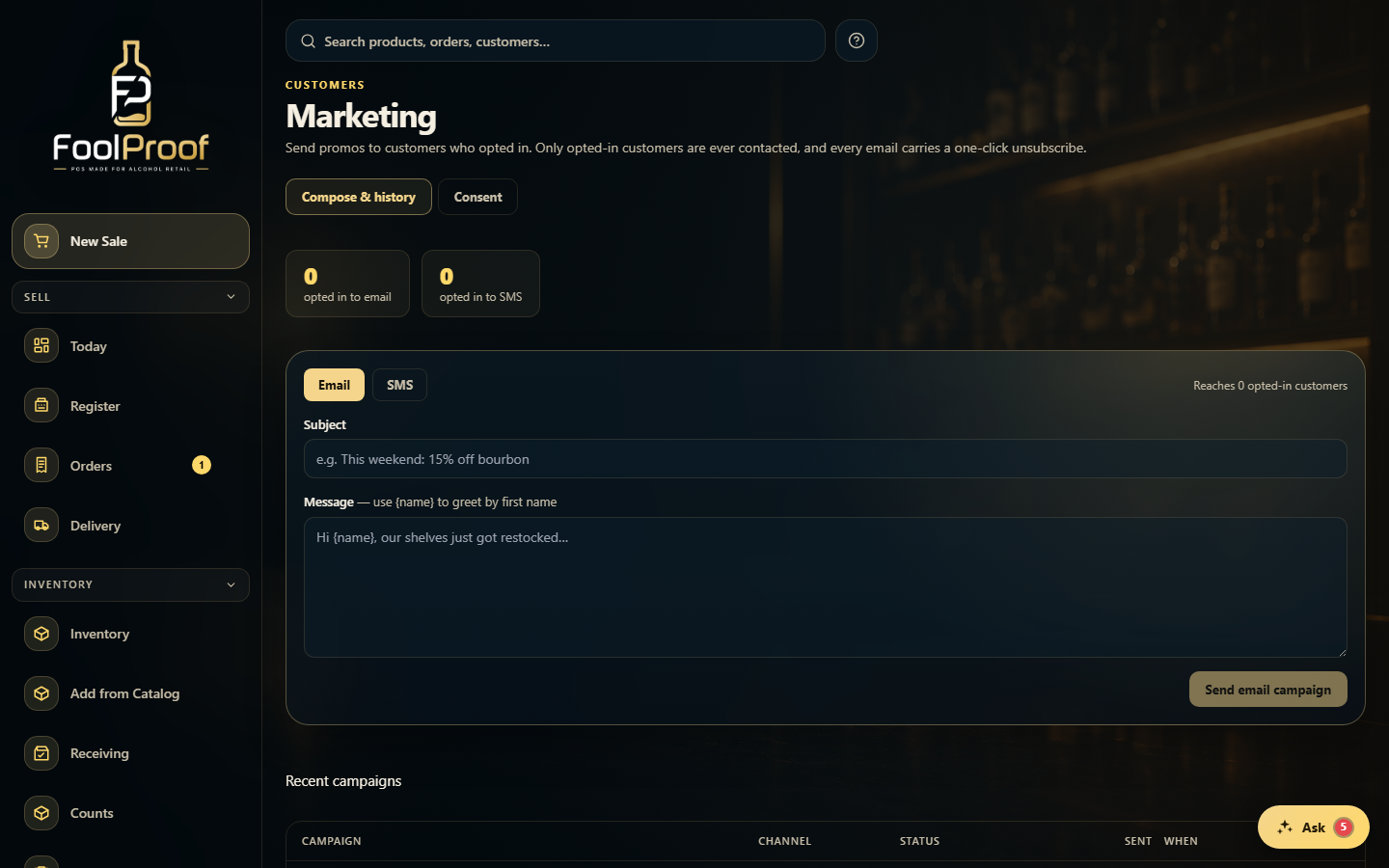
On the Compose tab, pick Email or SMS — it shows how many customers have opted in to that channel. Write the subject and message, then Send; you confirm the recipient count before it goes out. Email sends with one-click unsubscribe; SMS is queued until a provider is connected.
12
1Pick Email or SMS — it shows how many customers have opted in to that channel.
2Write the subject and message, then Send — you confirm the count first.
2. Manage consent
The Consent tab is where you manage who's agreed to receive marketing. Only opted-in customers are ever contacted; turning a switch off (or a customer using the unsubscribe link) removes them from every future blast.
1
1Search customers and toggle who's opted in to email or SMS.
 12
12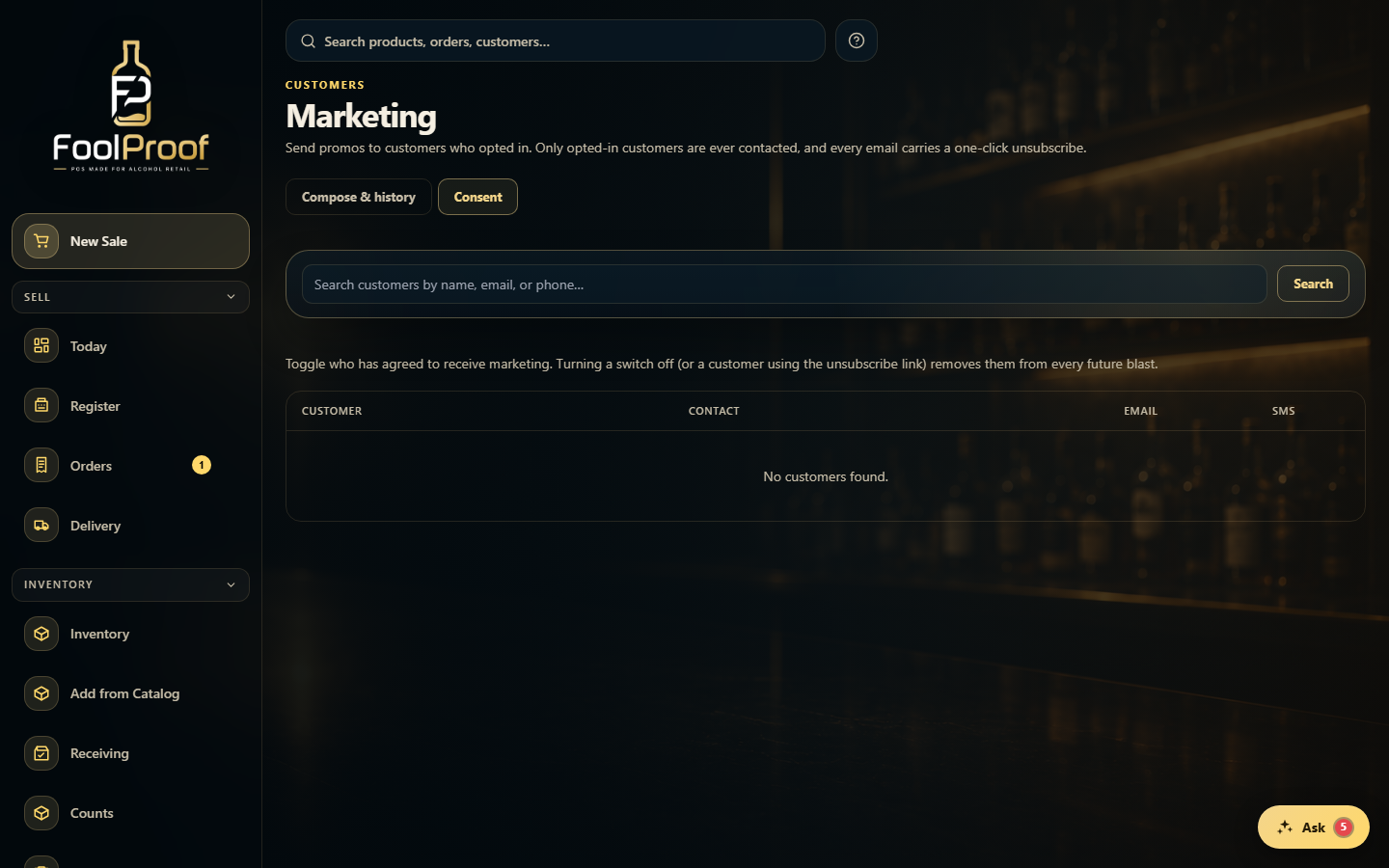 1
1