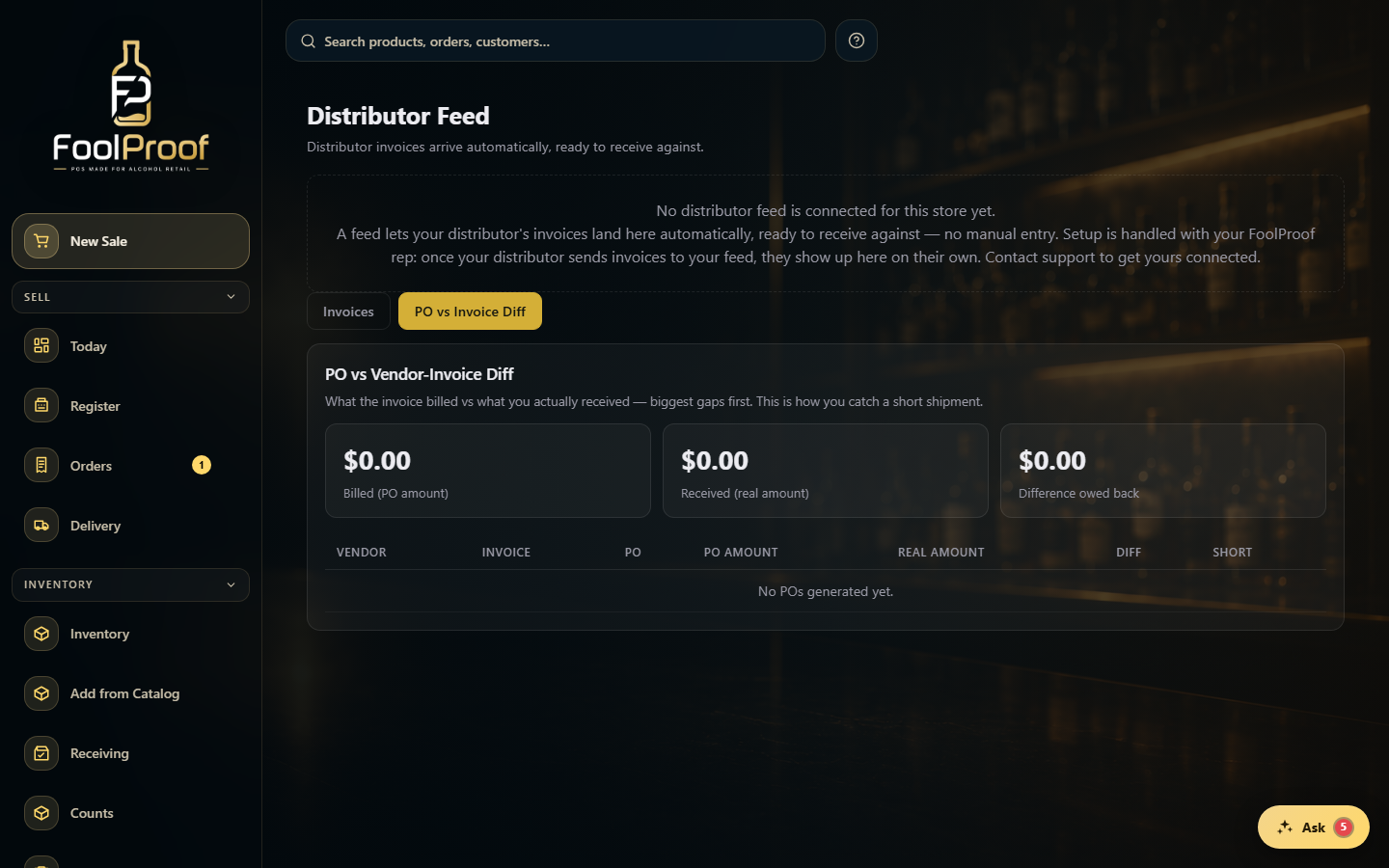
On the Distributor Feed, the PO vs Invoice Diff shows what a distributor billed versus what you actually received, so you can catch short shipments.
A step-by-step walkthrough with real screenshots · FoolProof POS for alcohol retail
1. Compare billed vs received
On the Distributor Feed, switch to the PO vs Invoice Diff tab. It totals what was billed versus what you received and the difference owed back, with per-invoice rows sorted biggest-gap-first. Open an invoice for the line-by-line breakdown, where a short shipment is flagged as evidence to take back to the distributor.
12
1Open the PO vs Invoice Diff tab.
2Billed vs received and the difference owed back, with per-invoice rows — short shipments flagged.
 12
12