Use the Damage & Losses page to book stock out as broken, expired, taken, or used — dropping on-hand and logging it to your Shrinkage and Stock-movement reports.
A step-by-step walkthrough with real screenshots · FoolProof POS for alcohol retail
1. Pick the reason
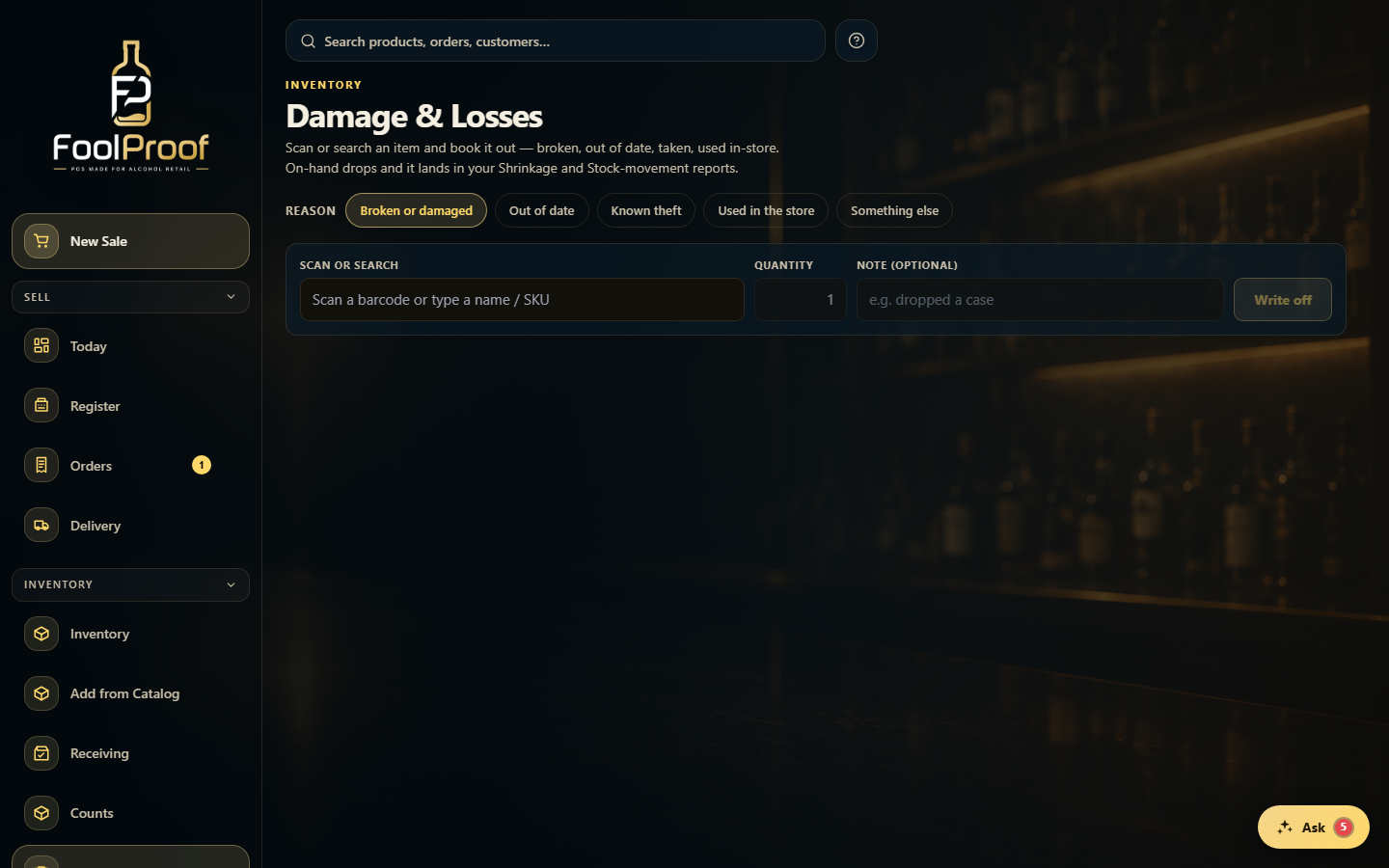
Open Damage & Losses and pick the reason — broken, out of date, taken, or used in-store. It stays selected so you can book a whole run of the same reason.
1
1Pick the reason — it stays selected so you can book a run.
2. Scan and write off
Scan a barcode (or type a name), enter the quantity, add an optional note, and Write off. On-hand drops, it's logged to your Shrinkage and Stock-movement reports, and each entry can be undone. Attach a photo or fill any state destruction fields where shown.
1
1Scan or type the item, set the quantity, add an optional note, then Write off.
 1
1