Register & cash drawer
 12
12
Close a register left open on another device
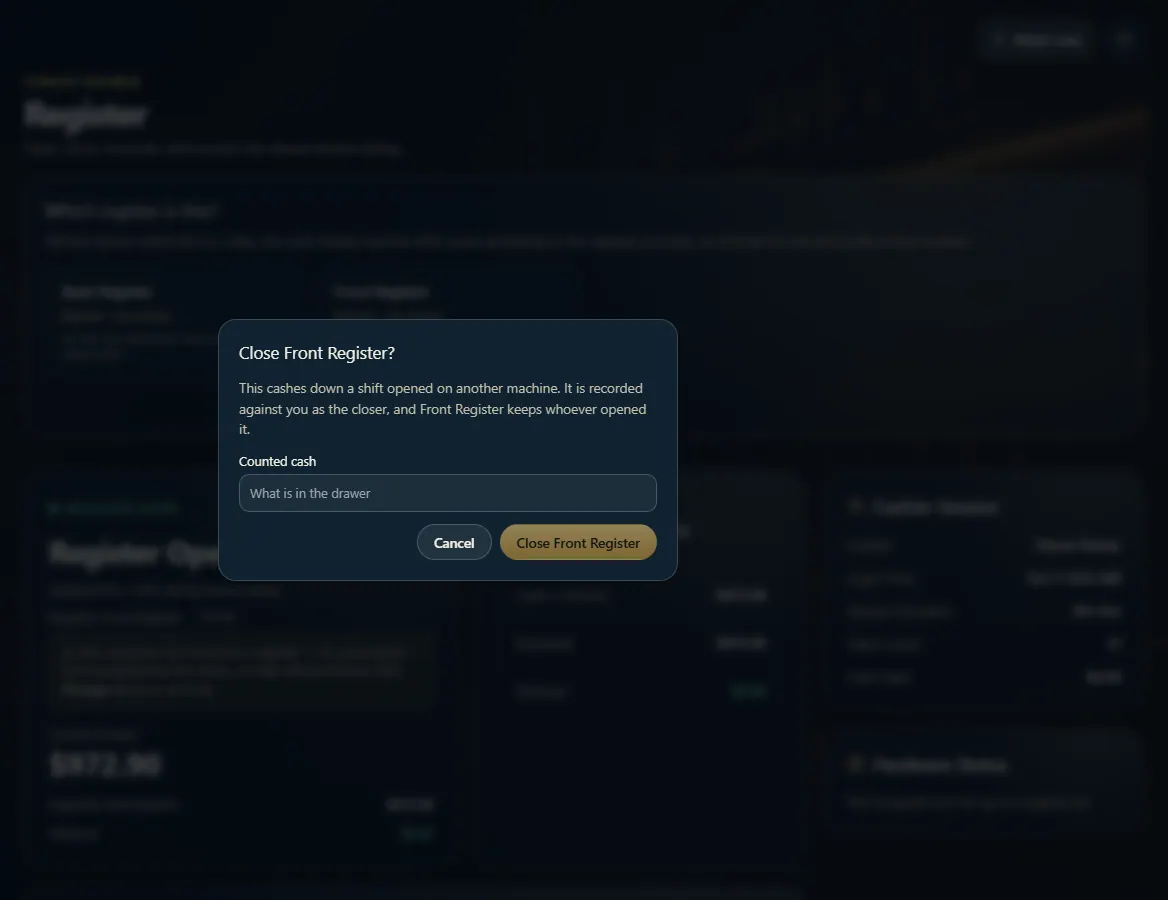
On the Register page, press Close its shift from here (or Close this shift under Other open shifts), enter the counted cash, and confirm.
Steps
- Open Register.
- Under "Which register is this?", find the register marked "shift open elsewhere" and press Close its shift from here.
- Or scroll to Other open shifts (press Refresh if it isn't listed) and press Close this shift.
- Enter the Counted cash. If counting isn't required, leave it blank to record "not counted" — not zero.
- Press Close <register name> to confirm.
Good to know
- Only people whose role may close any register see these buttons.
- The close is recorded against you, and the shift keeps whoever opened it.
- Once it's closed, this computer can take that register over if it's the one at this counter.
1. Close the other shift
The box names the register you're closing and asks for what's in its drawer.
12- 1What's in that drawer.
- 2Close it.