Electronic shelf labels show your live price and update themselves — pair each tag with a product on the Shelf Labels page once FoolProof has turned them on for your store.
A step-by-step walkthrough with real screenshots · FoolProof POS for alcohol retail
Steps
Ask your FoolProof rep to set up electronic shelf labels for your store.
Open Shelf Labels from the menu.
Under Pair a tag, scan the tag's barcode.
Search for the product (name or UPC) and click Pair to this tag.
The tag now shows that product's price and updates when you change it.
Good to know
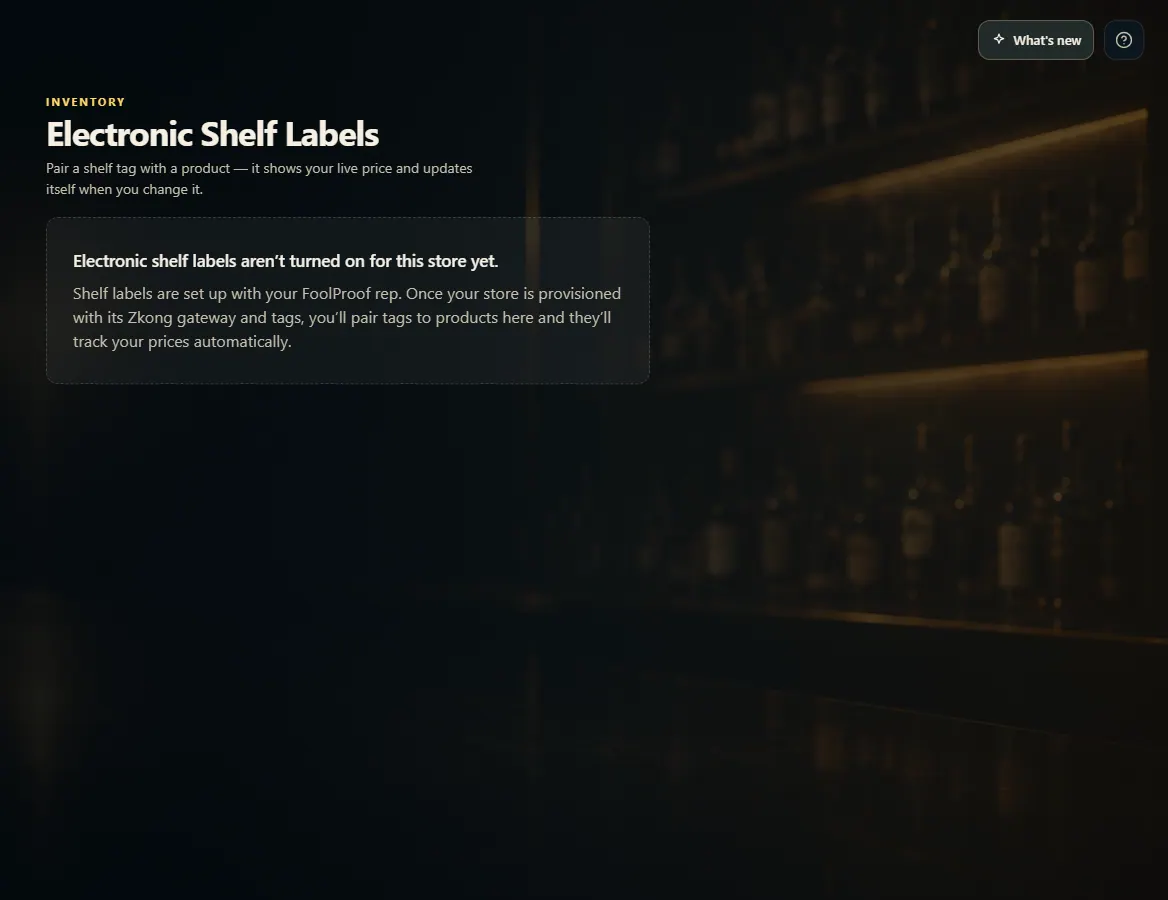
Until your store is set up, the menu item is hidden and the page says shelf labels aren't turned on.
A product needs a barcode before it can be paired.
Paired tags lists every tag with its status; Unbind frees a tag. Pairing a tag that's already in use moves it to the new product.
Push now sends waiting price changes right away.
1. Before it's turned on
Shelf labels are set up with your FoolProof rep. Until then, this is what the page shows.
 1
1