Product cost, margin and profit show only to roles that have "See product costs, margins, and profit" — turn it off for counter staff who don't need them.
A step-by-step walkthrough with real screenshots · FoolProof POS for alcohol retail
Steps
Open Employees (under Settings) and click the Roles tab.
Click Edit on the role.
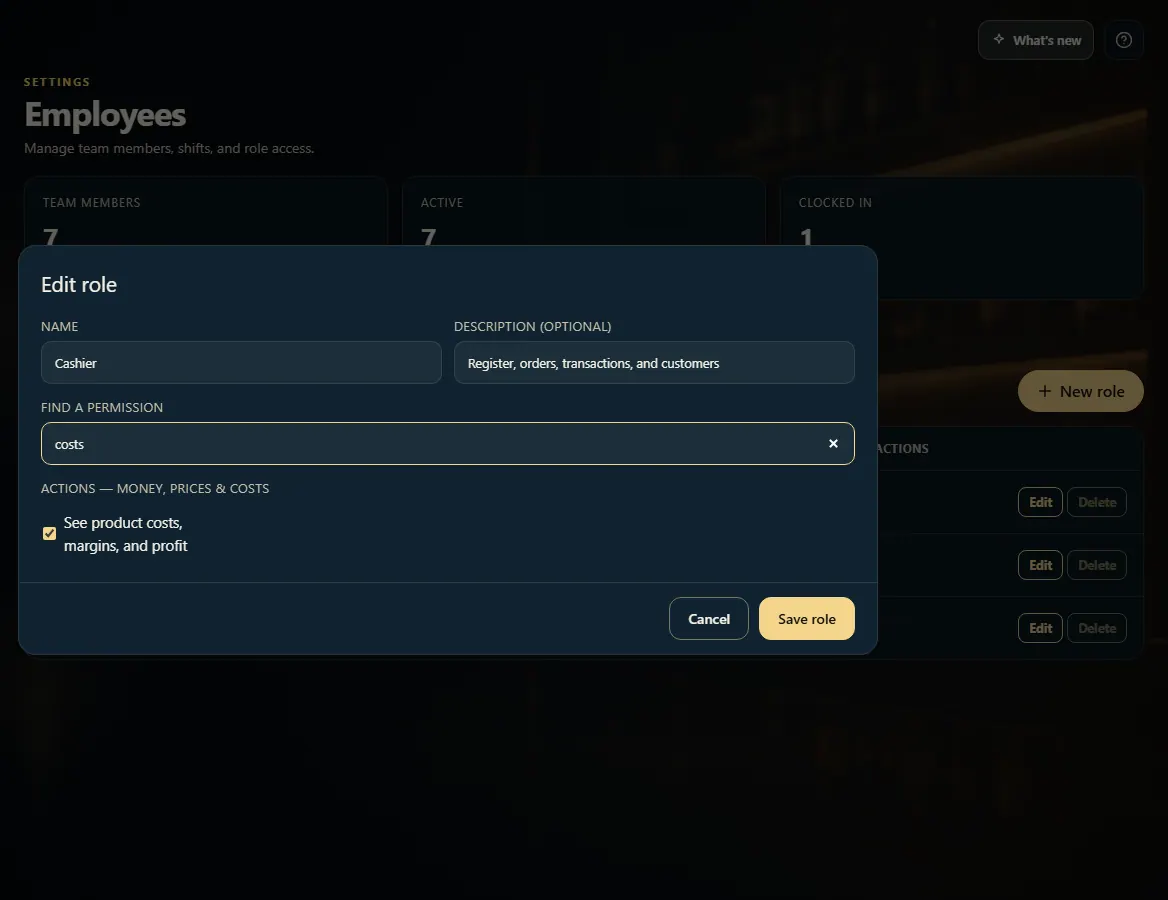
Type costs in Find a permission.
Tick See product costs, margins, and profit to show them, or untick it to hide them.
Click Save role.
Good to know
Without it, a person still sells, receives stock and runs reports — they just see prices, quantities and sales totals. Cost, profit and margin columns disappear from Transactions, Today and Reports, the cost-only reports (Product margin, Item margins, Stock valuation, Accounting summary) are hidden, and cost fields can't be edited.
The figures are held back by FoolProof itself, not just hidden on screen.
It applies to everyone with that role the next time they open the app.
1. Turn costs on or off for a role
Search the role's permissions for costs, then tick or untick the one box.
 123
123