Store settings & hardware
 12
12
Choose what shows on Today
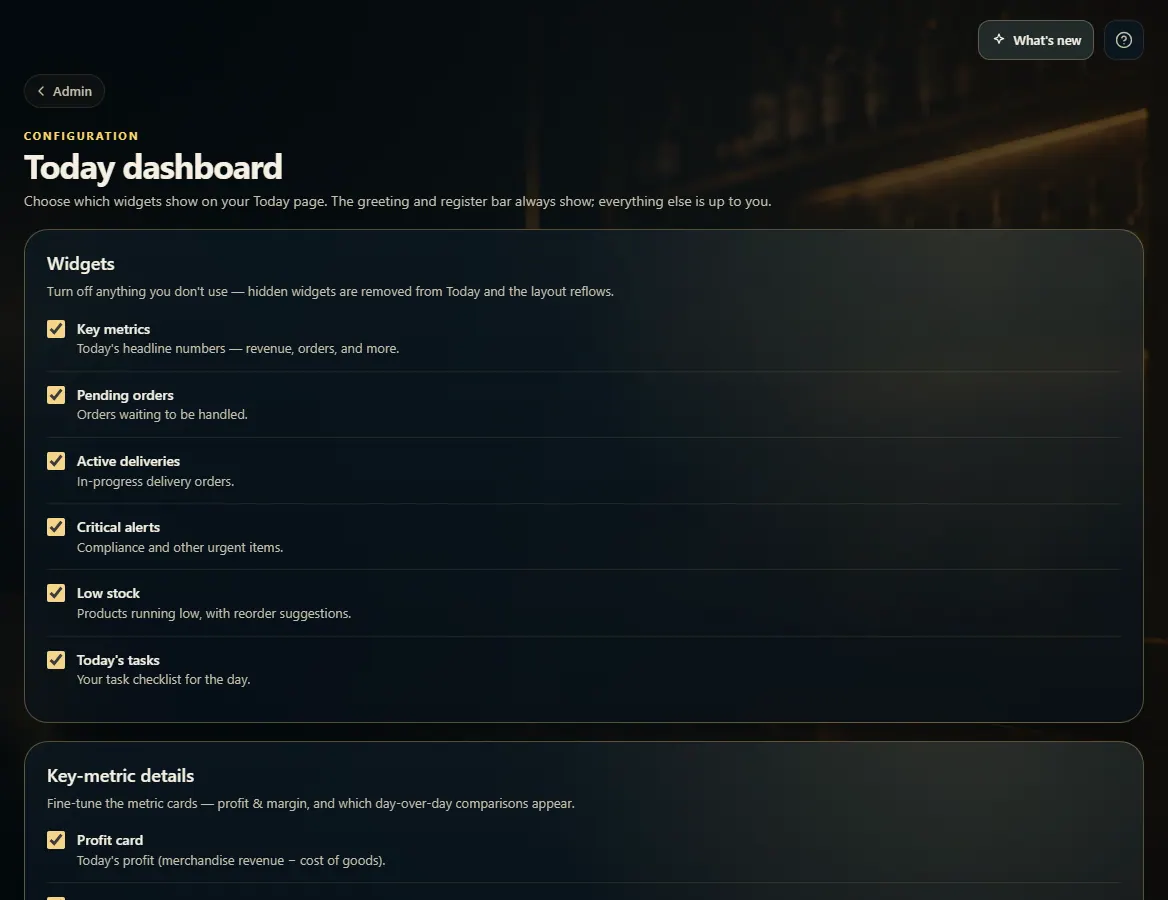
Admin → Today dashboard turns each Today widget on or off and sets which comparisons the key-metric cards show.
Steps
- Open Admin → Today dashboard.
- Under Widgets, untick anything you don't use. Hidden widgets are removed from Today and the rest move up.
- Under Key-metric details, choose profit & margin and which day-over-day comparisons appear.
- Click Save dashboard.
Good to know
- The greeting and the register bar always show.
1. Turn widgets on or off
12- 1Untick a widget to hide it from Today.
- 2Fine-tune the metric cards.