Store settings & hardware
 12
12
Set the refund and void reasons
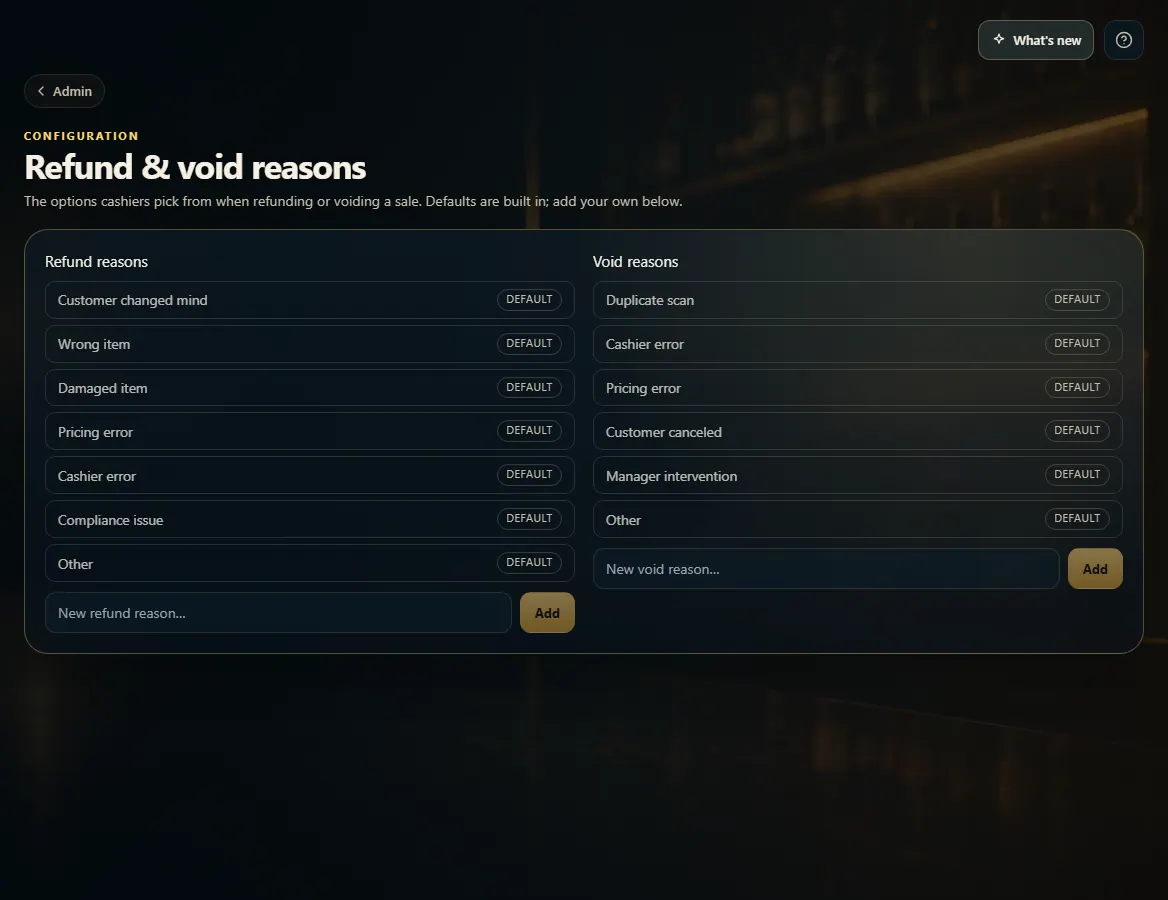
Admin → Refund & void reasons sets the list cashiers pick from when they refund or void a sale.
Steps
- Open Admin → Refund & void reasons.
- Type a new reason in New refund reason… or New void reason… and click Add.
- To remove a reason you added, click its ✕.
Good to know
- The built-in reasons are marked Default and can't be removed.
- Pay-in and payout reasons on the Register page are a fixed list — they can't be changed here. Pick Other and type a note when none fits.
1. Add your own reasons
12- 1Add a refund reason.
- 2Add a void reason.