Admin → Activity is the record of who did what at your store — stock received, sales refunded or voided, registers opened and closed, settings and permissions changed.
A step-by-step walkthrough with real screenshots · FoolProof POS for alcohol retail
Steps
Open Admin → Activity.
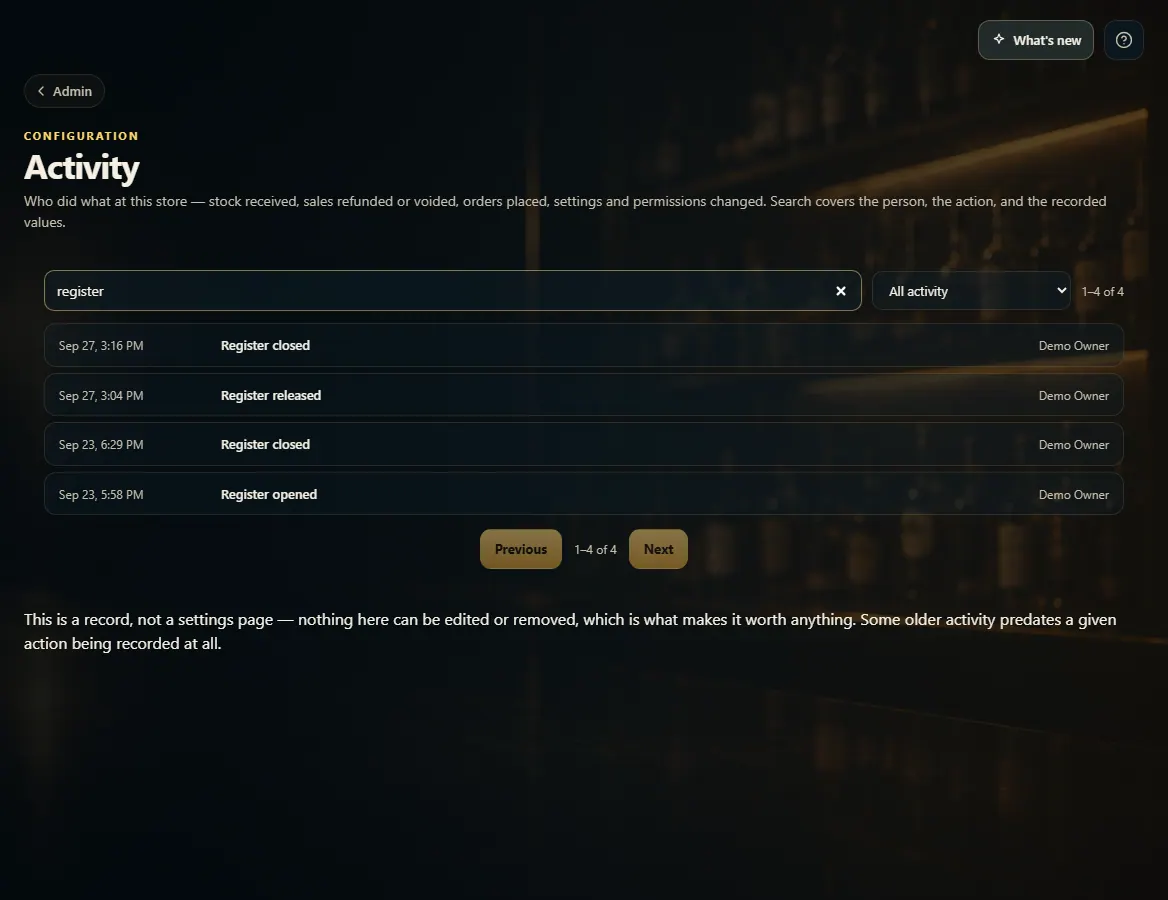
Search by person, item or reason, or pick a kind of activity from the list next to the search box.
Click a row to see the details: what changed, who was signed in, and from where.
Use Previous and Next to page through older activity.
Good to know
It's a record, not a settings page — nothing here can be edited or removed.
Anything FoolProof support does in your store is listed as FoolProof support with their name.
Some older activity happened before that kind of action was recorded.
1. Search the record
Search covers the person, the action and what was recorded. Click a row to open it.
 123
123