Selling at the register
 1
1
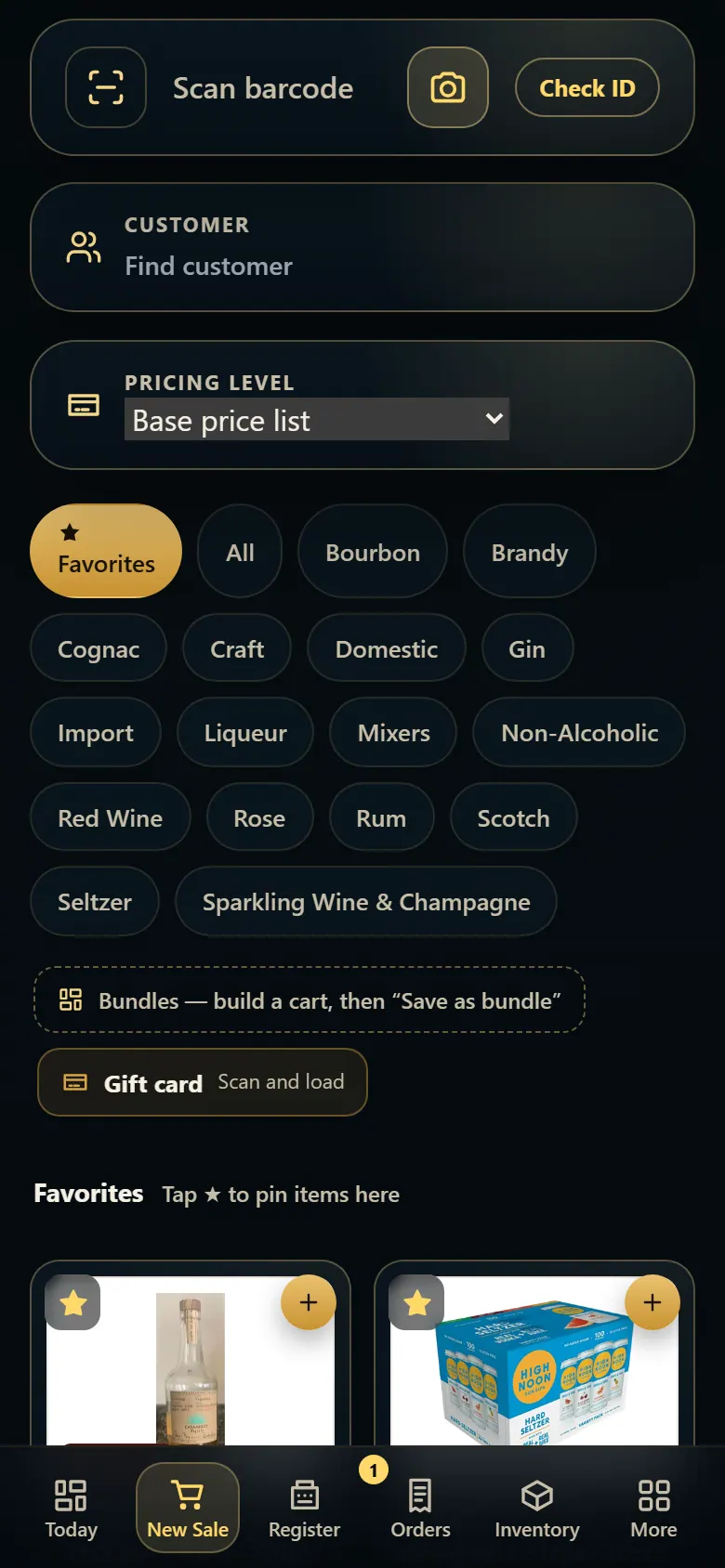
Scan barcodes with a phone or tablet camera
On a phone or tablet, tap the camera button in the New Sale search box and point it at the barcode.
Steps
- Open New Sale on the phone or tablet.
- Tap the camera button inside the search box.
- Allow the camera if the phone asks.
- Hold the barcode in the frame — the item drops into the cart.
- On a phone, use the Pay bar at the bottom to pay.
Good to know
- The camera button only shows on touch screens. On a computer, use a barcode scanner.
1. Tap the camera
The camera reads the barcode the same way a scanner does.
1- 1Scan with the camera.