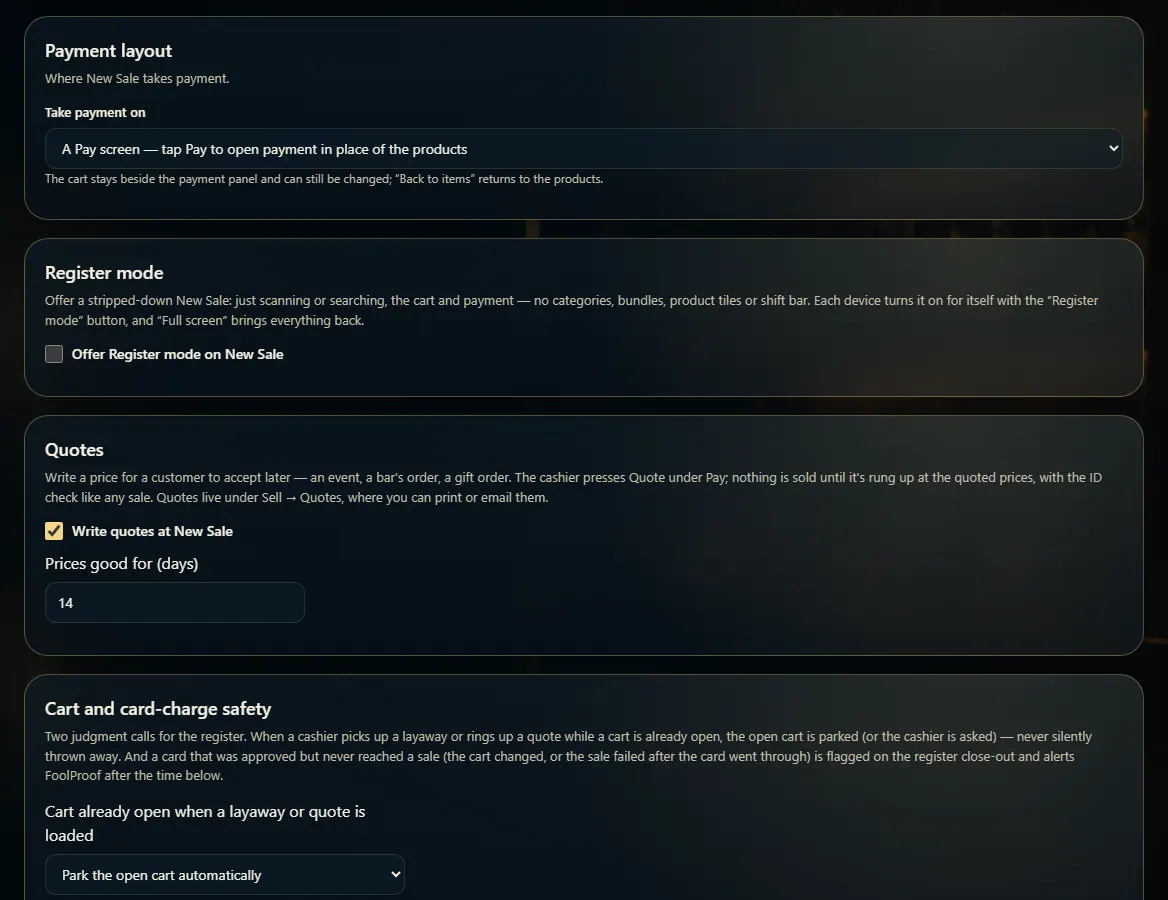
Register mode strips New Sale down to scanning, the cart and payment; turn it on for the store in Admin → New Sale, then each device taps Register mode.
A step-by-step walkthrough with real screenshots · FoolProof POS for alcohol retail
Steps
Open Admin → New Sale and turn on "Offer Register mode on New Sale".
Choose Product tiles in Register mode: Only while searching, Always show the product grid, or Never (scan only).
On the device, open New Sale and tap Register mode at the top.
Tap Full screen to bring everything back.
Good to know
Each device remembers its own choice, so the counter can stay in Register mode while the office doesn't.
1. Offer it to the store
Once it's on here, New Sale shows a Register mode button on every device.
 1
1