Selling at the register
 123
123
Take a special order
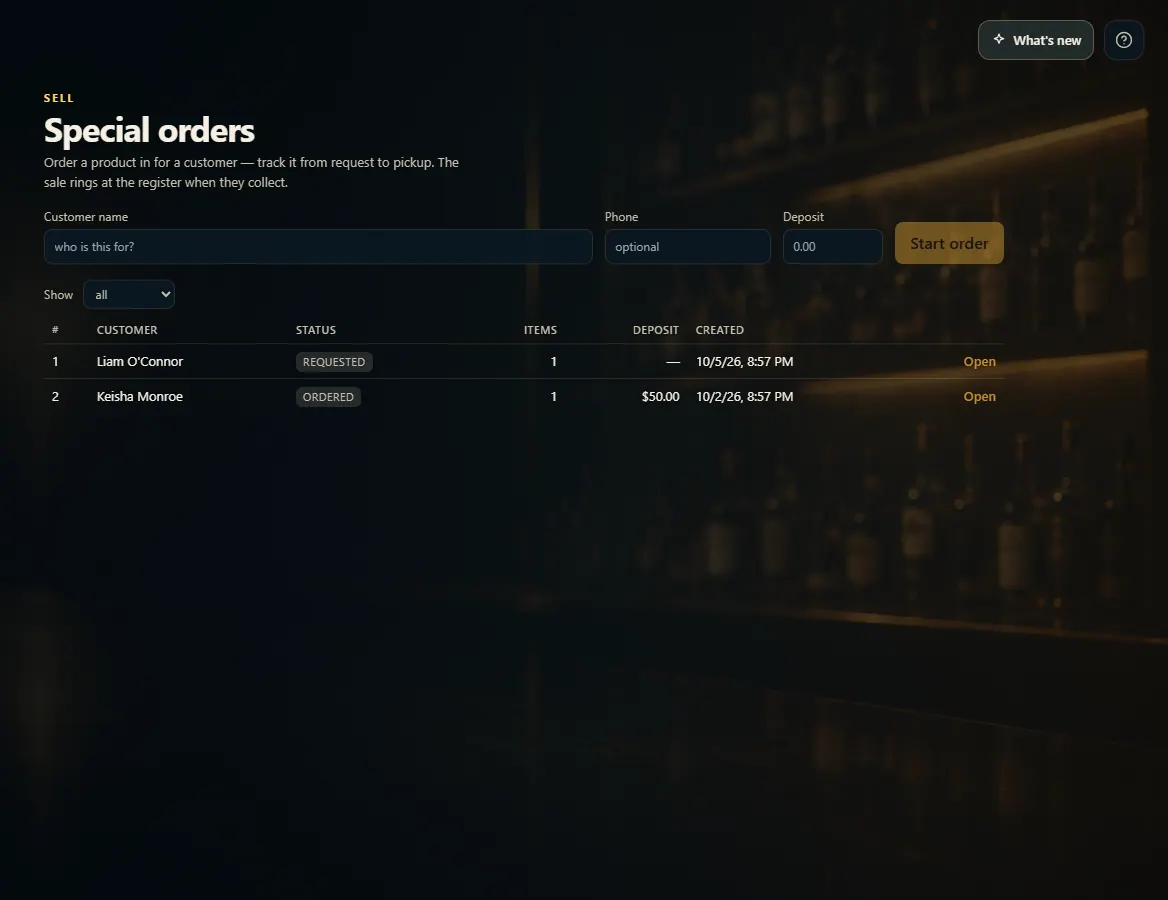
On Special Orders, start an order for the customer, add what they want, and move it along from ordered to arrived to picked up.
Steps
- Open Special Orders from the menu.
- Type the Customer name (and Phone and Deposit if you have them) and press Start order.
- Search the catalog or type anything in Item, set Qty and Price each, and press Add.
- Press Mark ordered when you order it, then Mark arrived when it comes in.
- When they collect, ring the sale at New Sale and press Mark picked up (fulfil).
Good to know
- Special orders don't move stock or take payment by themselves — the sale is rung at New Sale.
- Use the Show list to see only requested, ordered, arrived, fulfilled or cancelled orders.
1. Start an order
Start with who it's for; you add the items on the next screen.
123- 1Who it's for.
- 2Any deposit taken.
- 3Start the order.