Store settings & hardware
 12
12
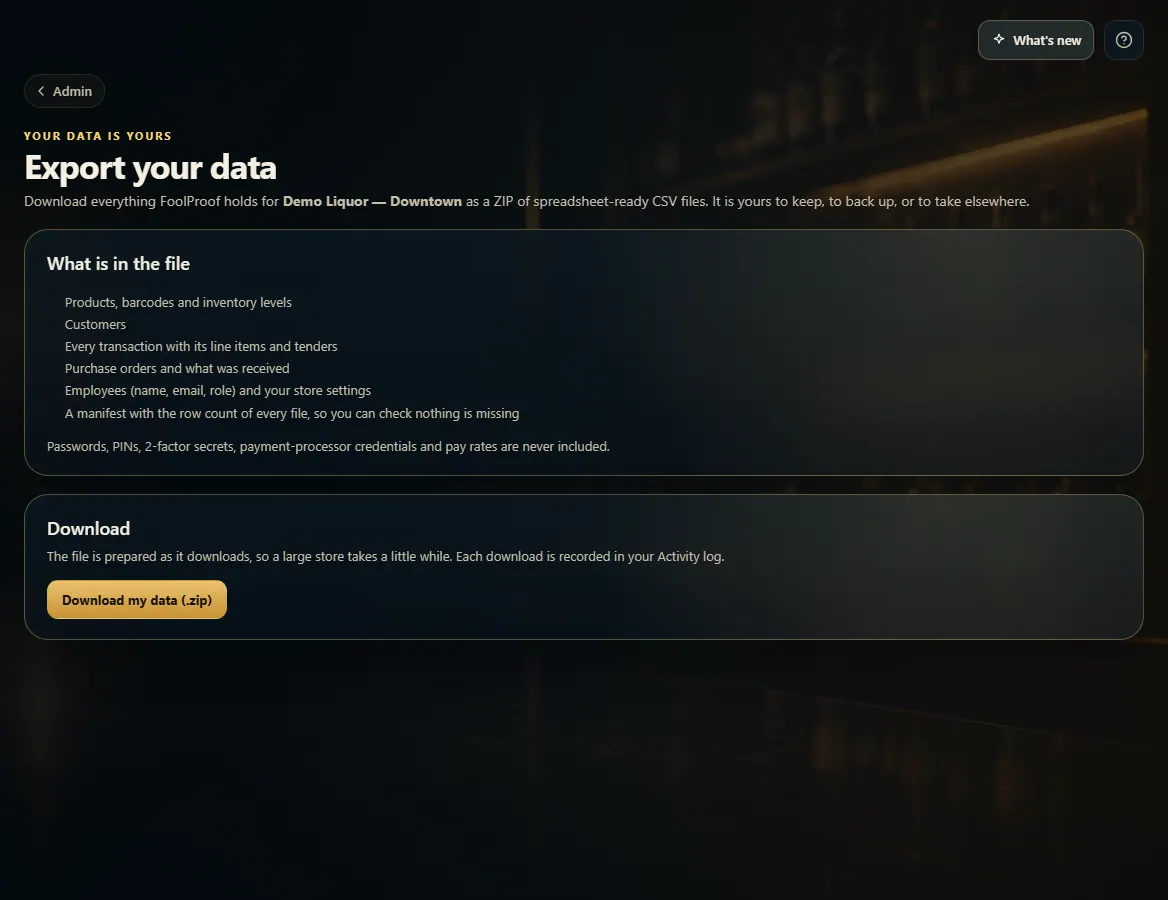
Download a full export of your store's data
Admin → Export your data downloads your products, customers, sales, purchasing and settings as a ZIP of spreadsheet-ready CSV files.
Steps
- Open Admin → Export your data.
- Click Download my data (.zip). It is prepared as it downloads, so a large store can take a few minutes.
- Open the ZIP. Each CSV opens in Excel or Google Sheets, and the manifest lists how many rows each file holds so you can check nothing is missing.
Good to know
- Passwords, PINs, two-factor secrets, payment-processor credentials and pay rates are never included.
- Every download is recorded in Admin → Activity.
- Exporting is its own permission, given to owners and managers by default. Change who has it in Employees → Roles.
1. Download everything
12- 1What the ZIP contains.
- 2Start the download.