Selling at the register
 12
12
Charge a sale to a house account
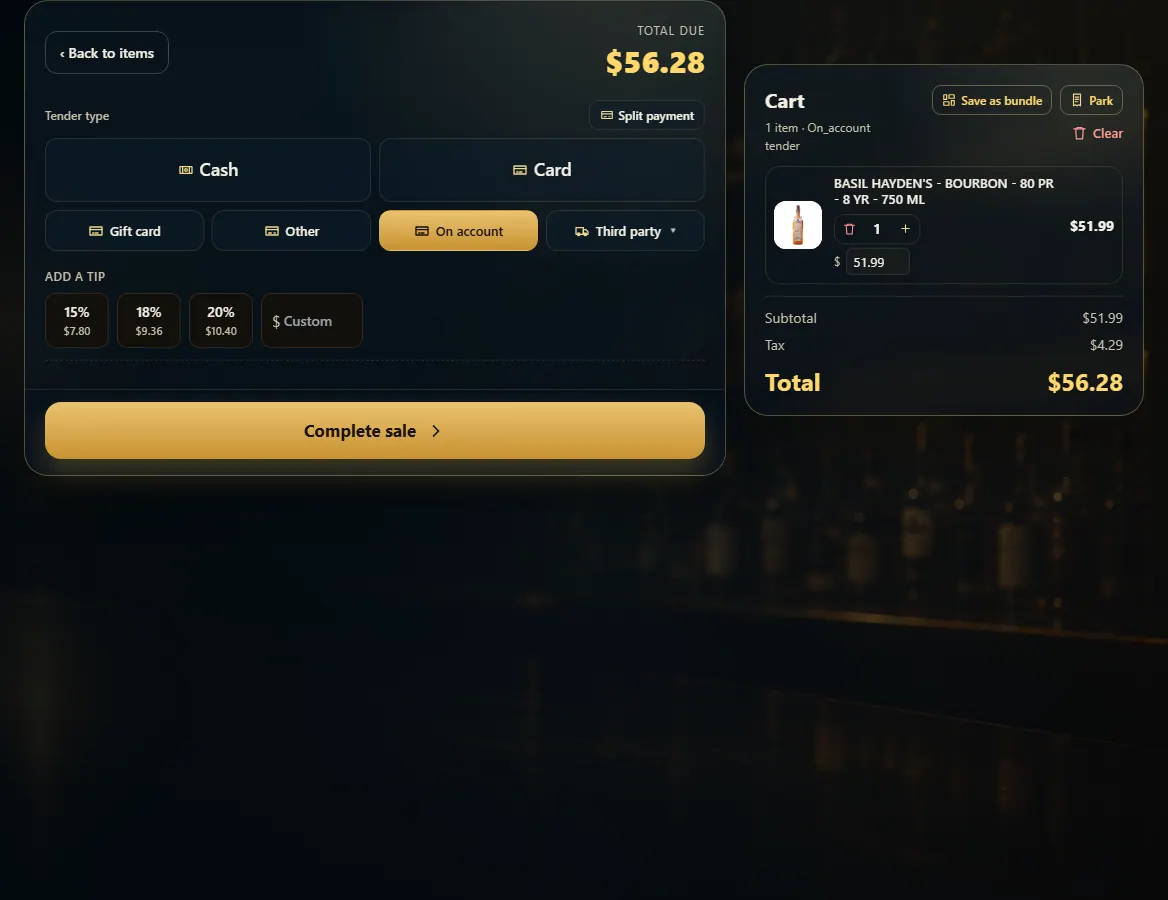
Attach the customer, then pick On account at payment to put the sale on their house-account tab.
Steps
- Ring up the items.
- Attach the customer with Find customer.
- Press Pay and pick On account.
- Press Complete sale. The amount is added to what the customer owes.
Good to know
- On account only shows when house accounts are turned on in Admin → House accounts (FoolProof enables the feature first).
- A customer has to be allowed a tab first: edit them on Customers and tick "Allow charging to a house account (tab)", with an optional credit limit.
- Record what they pay toward the balance in Admin → House accounts → Record a payment.
1. Pick On account
On account sits with the other payment types once house accounts are on.
12- 1Charge it to the tab.
- 2Finish the sale.