Selling at the register
 1
1
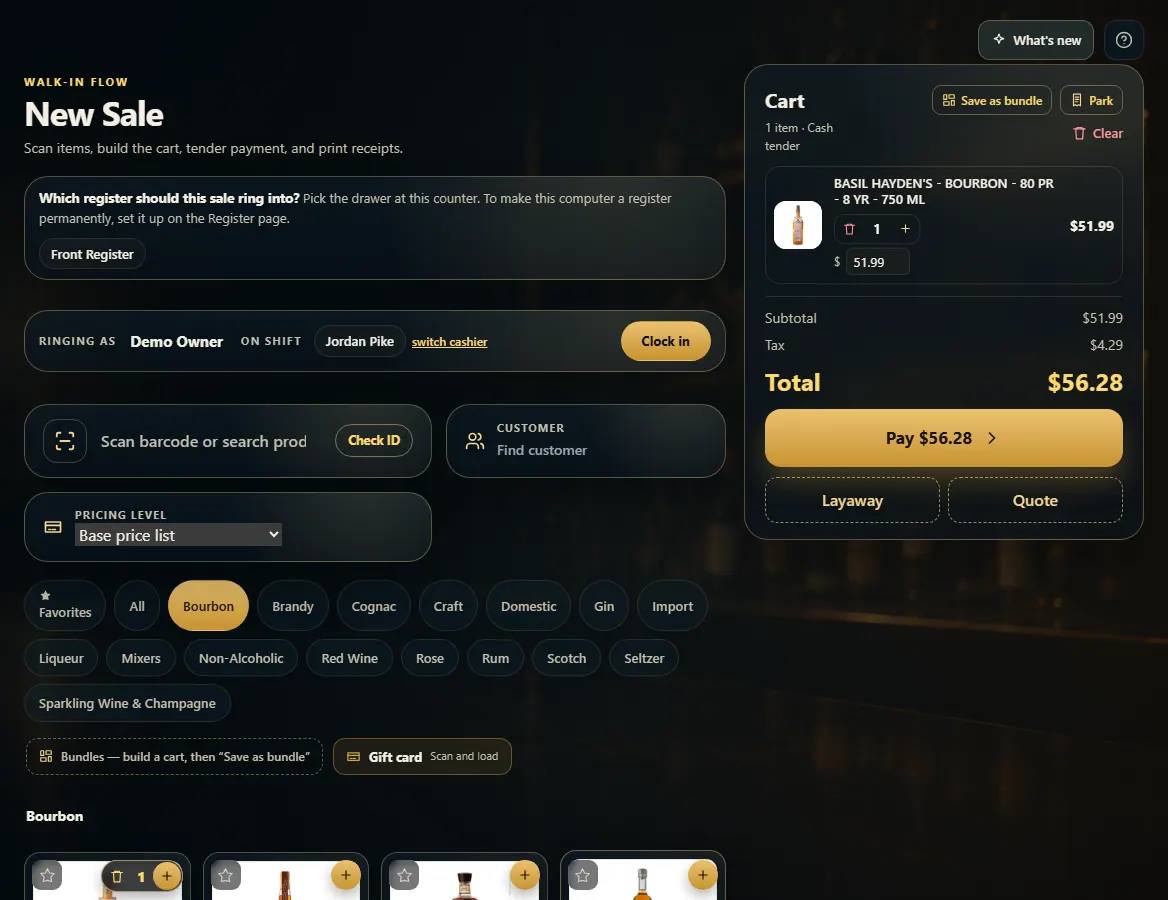
Park a sale and come back to it
Press Park to set the cart aside for the next customer, then Parked → Resume to bring it back.
Steps
- With items in the cart, press Park at the top of the cart.
- Ring the next customer as normal.
- Press Parked (it shows how many are waiting).
- Press Resume on the ticket to load it back, or Discard to throw it away.
1. Park the cart
Park frees the register without losing the cart.
1- 1Set this cart aside.